
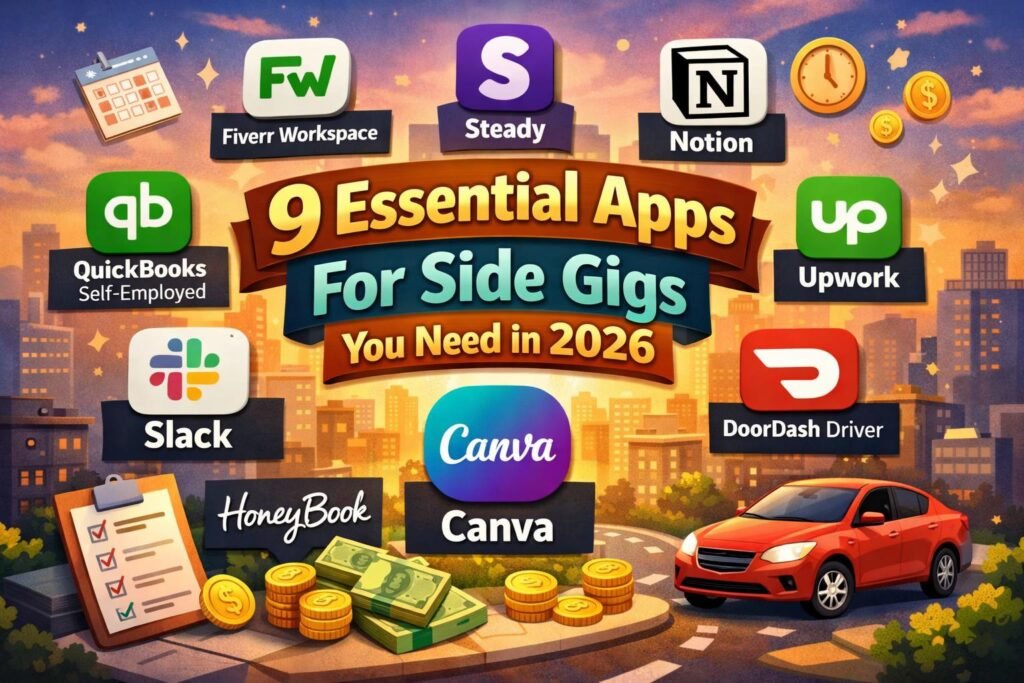
🌍 The gig economy is thriving in 2026, with more people than ever searching for new ways to earn flexible income.
📱 Side gigs are easier to start, but choosing the best apps for side gigs can be the difference between juggling chaos and achieving streamlined success.
✨ The right digital tools empower you to organize tasks, maximize your time, and unlock higher earnings, no matter your hustle.
🚀 Ready to level up? This guide spotlights the 9 essential apps every side hustler needs in 2026, complete with features, pricing, pros and cons, and ideal scenarios for each.
Why the Right Apps Matter for Side Gigs in 2026
The gig economy is transforming rapidly in 2026, creating exciting opportunities and new challenges for independent workers. As millions enter the world of side gigs, the digital landscape has become more competitive than ever. To thrive, side hustlers must stay organized, efficient, and ready to adapt. This is where the right apps for side gigs make all the difference.
The Evolving Gig Economy in 2026
🌍 The gig economy has exploded, with more people than ever seeking flexible work and supplemental income. According to recent gig economy statistics for 2026, both the number of gig workers and the types of gigs available have multiplied across industries.
📈 With this growth comes increased competition. Side hustlers now face a crowded marketplace, making it crucial to stand out and deliver value efficiently. The sheer volume of opportunities means that managing multiple gigs can quickly become overwhelming without the right digital tools.
The Power of Specialized Apps
🤖 Technology is the gig worker’s secret weapon. Specialized apps for side gigs empower individuals to maximize productivity, earnings, and client satisfaction. These platforms tackle common challenges, such as:
| ⚠️ Challenge | 💡 Solution via Apps |
|---|---|
| Scheduling Conflicts | Smart calendars, reminders, and auto-scheduling |
| Invoicing Hassles | Automated billing, templates, and payment tracking |
| Finding Reliable Gigs | Curated gig marketplaces and AI-powered recommendations |
| Financial Management | Expense tracking, tax calculations, and income analytics |
💼 In 2026, 52% of gig workers rely on three or more apps to manage their workflow (Upwork/Freelancers Union). By streamlining everything from communication to finance, these apps for side gigs help users save time, reduce stress, and avoid costly errors.
Staying Ahead with the Right Tools
🌟 Automation and AI are redefining how freelancers and gig workers operate. Modern apps for side gigs integrate smart features like workflow automation, real-time analytics, and secure client management. This allows side hustlers to focus on delivering value, not just administrative tasks.
🔑 Adopting the right digital toolkit is now essential for staying organized, competitive, and profitable. Whether you’re searching for gigs, managing clients, or tracking expenses, leveraging the best tools can be a game changer.
For a deeper dive into comparing different platforms, check out the Gig Apps Comparison Guide to find the best fit for your unique side gig goals.
From gig discovery and productivity to finance and communication, selecting the right apps for side gigs is not just a convenience—it’s a necessity for success in 2026.
9 Essential Apps For Side Gigs You Need in 2026
Finding the right apps for side gigs can transform your hustle from overwhelming to organized. In 2026, digital tools are smarter, more integrated, and tailored for every kind of side hustler. Whether you freelance, deliver, design, or consult, these 9 essential apps for side gigs will help you streamline your workflow, maximize your earnings, and handle every aspect of your business with confidence.
Fiverr Workspace
🧾 Pricing: Free plan, Pro $24/mo
⚙️ Core Features: Invoicing, contracts, proposals, time tracking, expense management
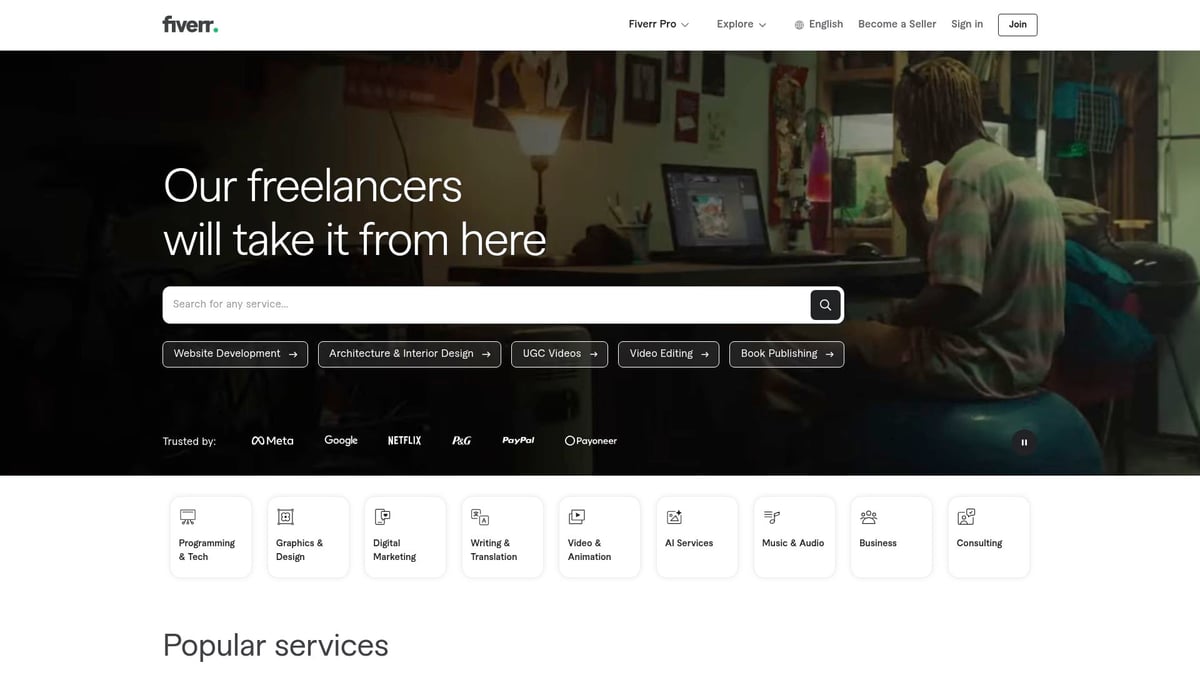
Fiverr Workspace stands out among apps for side gigs by providing a true all-in-one business suite. Freelancers and gig workers can generate professional proposals, send legally-vetted contracts, track billable hours, and manage expenses from a single dashboard.
Key Benefits:
- Streamlines admin tasks, letting you focus more on paid work
- Integrates with payment platforms for faster transactions
- Offers legal templates for peace of mind
Ideal For:
- Freelancers juggling multiple clients
- Gig workers who want to minimize paperwork
Pros:
- Intuitive interface
- Robust integrations
- Saves time on admin
Cons:
- Advanced features require Pro plan
- Initial learning curve for new users
Example:
Freelancers using Fiverr Workspace report saving over 5 hours per week on admin. For more curated recommendations, check out the Best Side Hustle Apps to complement your toolkit.
Steady
🔎 Pricing: Free, Steady+ $4.99/mo
🌐 Features: Gig discovery, income tracking, personalized gig recommendations
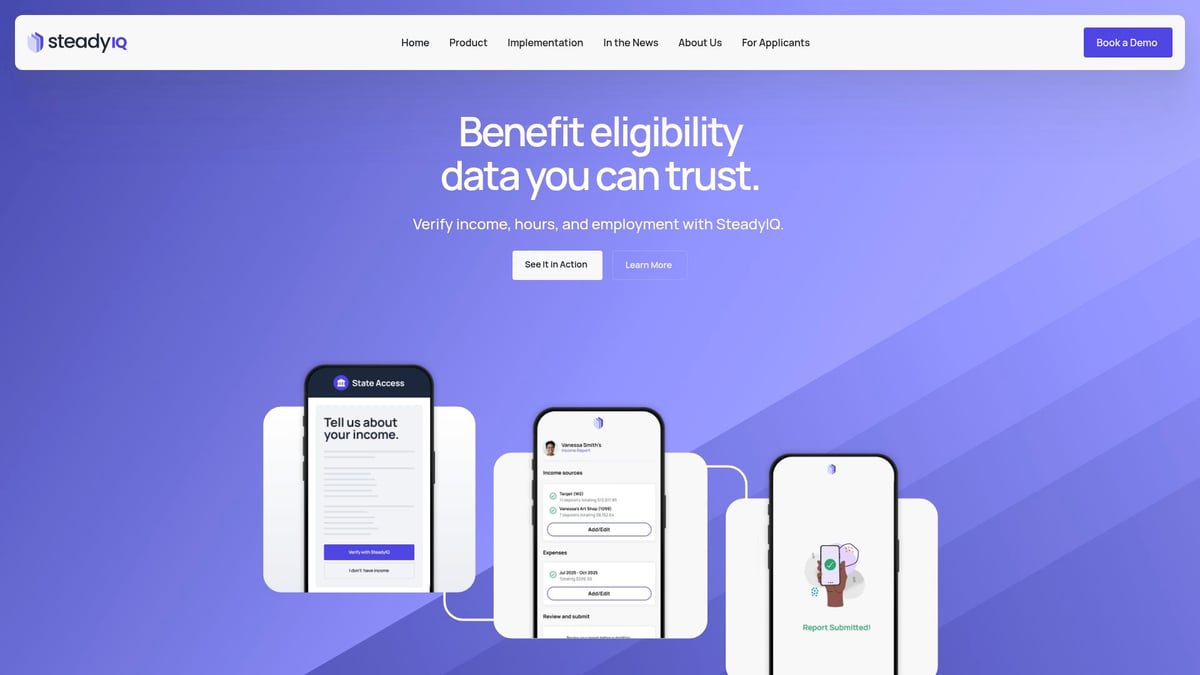
Steady is a standout among apps for side gigs, especially for beginners. The platform curates vetted opportunities and tracks your extra income, making it easy to diversify your side hustle portfolio.
Benefits:
- Find flexible, remote gigs tailored to your skills and location
- Access grants and financial resources during emergencies
- Visualize your total side gig income in one place
Target Audience:
- Beginners
- Part-time earners
- Anyone seeking flexibility
Pros:
- Curated, trusted gigs
- Income insights
- Grant access
Cons:
- Some gigs are location-specific
- Steady+ unlocks advanced features
Example:
Since its launch, Steady has helped over 5 million users find new income streams, making it a top choice for those starting with apps for side gigs.
Notion
🗂️ Pricing: Free, Plus $8/mo/user, Business $15/mo/user
📅 Features: Customizable workspace, project management, templates, databases
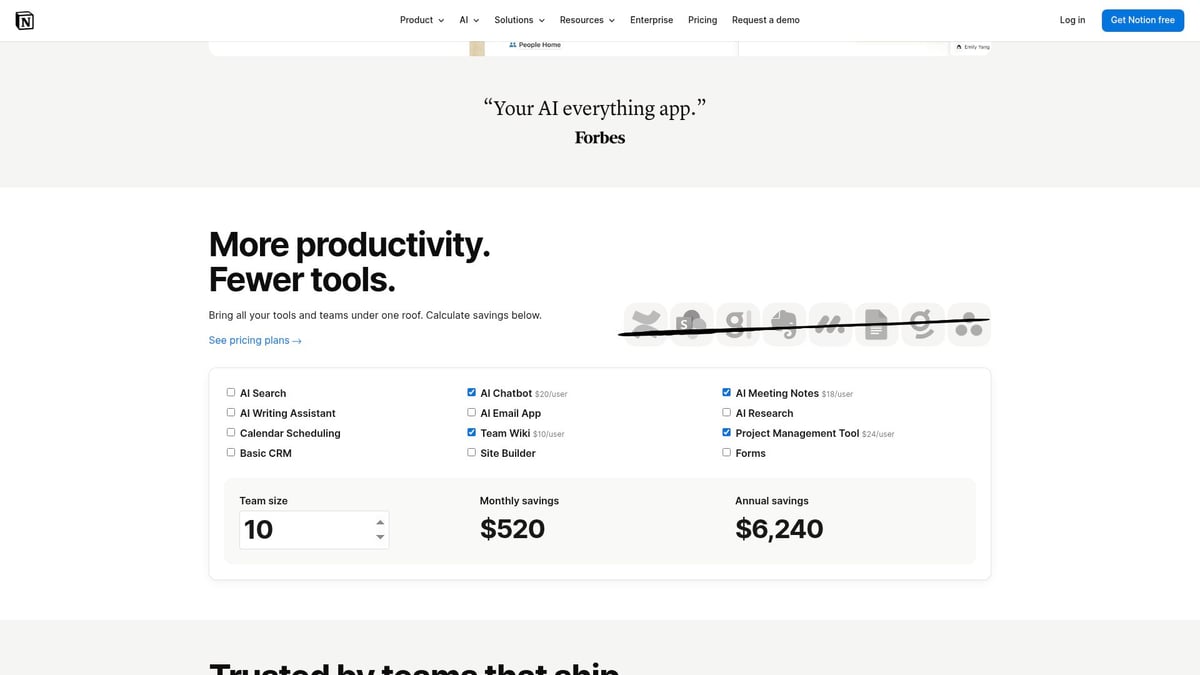
Notion is a flexible powerhouse for organizing your workflow. For those using multiple apps for side gigs, Notion centralizes notes, tasks, schedules, and client info, ensuring nothing slips through the cracks.
Benefits:
- All-in-one digital workspace
- Integrates with over 100 tools
- Easily customizable for any workflow
Ideal For:
- Side hustlers managing multiple projects
- Freelancers coordinating with clients
Pros:
- Collaborative features
- Massive template library
- Syncs across devices
Cons:
- Overwhelming for beginners
- Mobile UI less robust
Example:
Top freelancers use Notion to track client pipelines and deliverables, making it a cornerstone among apps for side gigs.
QuickBooks Self-Employed
💸 Pricing: $15/mo, 30-day free trial
💼 Features: Expense tracking, invoicing, tax calculations, mileage tracking
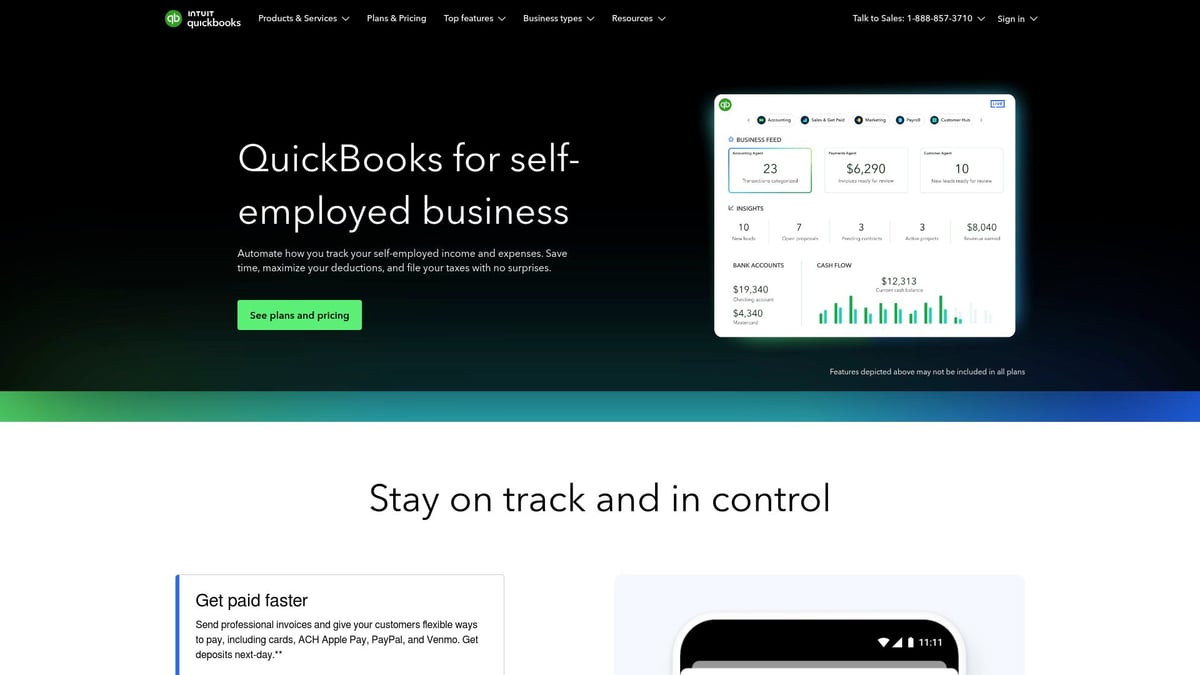
QuickBooks Self-Employed simplifies financial management, making it a must-have in the world of apps for side gigs. Automatically categorize expenses, track mileage, and prepare for tax season without hassle.
Benefits:
- Makes tax time stress-free
- Provides real-time financial insights
- Syncs with your bank and payment apps
Target Audience:
- Freelancers
- Rideshare and delivery drivers
- Solopreneurs
Pros:
- Automatic expense categorization
- Tax deduction estimates
- Robust mobile app
Cons:
- Limited scalability
- Best for solo users
Example:
Users report saving an average of 8 hours a month on bookkeeping, underlining why it is one of the most efficient apps for side gigs.
Slack
💬 Pricing: Free, Pro $7.25/mo, Business+ $12.50/mo
📢 Features: Real-time messaging, channels, file sharing, integrations
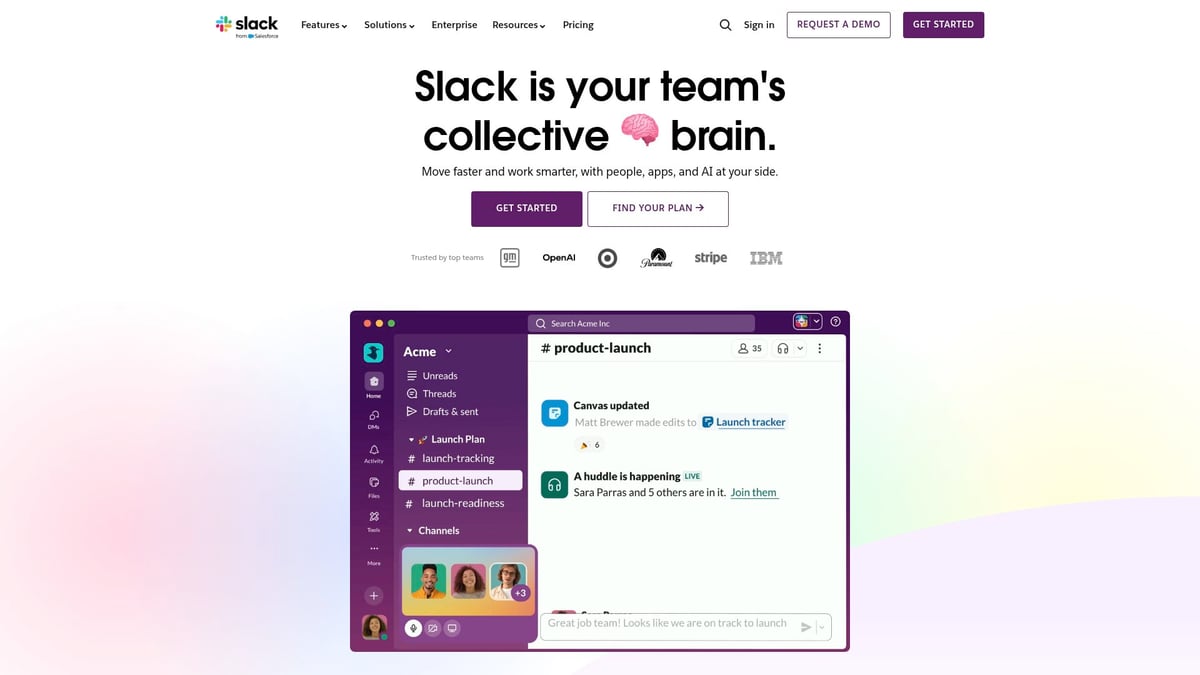
Slack transforms communication for anyone running side gigs. It is essential among apps for side gigs that require frequent client or team collaboration.
Benefits:
- Keeps conversations organized in channels
- Supports 2,400+ app integrations
- Allows customizable notifications
Ideal For:
- Remote teams
- Project-based freelancers
- Side hustlers needing agile communication
Pros:
- Powerful search features
- Seamless integrations
- Easy file sharing
Cons:
- Can become distracting
- Some features require a paid plan
Example:
77% of Fortune 100 companies trust Slack for agile communication, proving its value among apps for side gigs.
Upwork
🌍 Pricing: Free to join, 10% service fee on earnings
💡 Features: Gig marketplace, secure payments, client reviews, dispute resolution
Upwork is a global leader in connecting freelancers with clients. As one of the most established apps for side gigs, it offers access to a vast marketplace with diverse projects.
Benefits:
- Large, global client base
- Payment protection
- Skills certification and portfolio tools
Target Audience:
- Freelancers
- Consultants
- Digital service specialists
Pros:
- Secure transactions
- Dispute resolution
- Opportunity for recurring work
Cons:
- High competition
- Service fees
- Strict profile approval
Example:
In 2025, freelancers earned $4.5 billion on Upwork, cementing its place among top apps for side gigs.
HoneyBook
📑 Pricing: $19/mo, 7-day free trial
🗓️ Features: Client management, contracts, invoicing, scheduling, automation
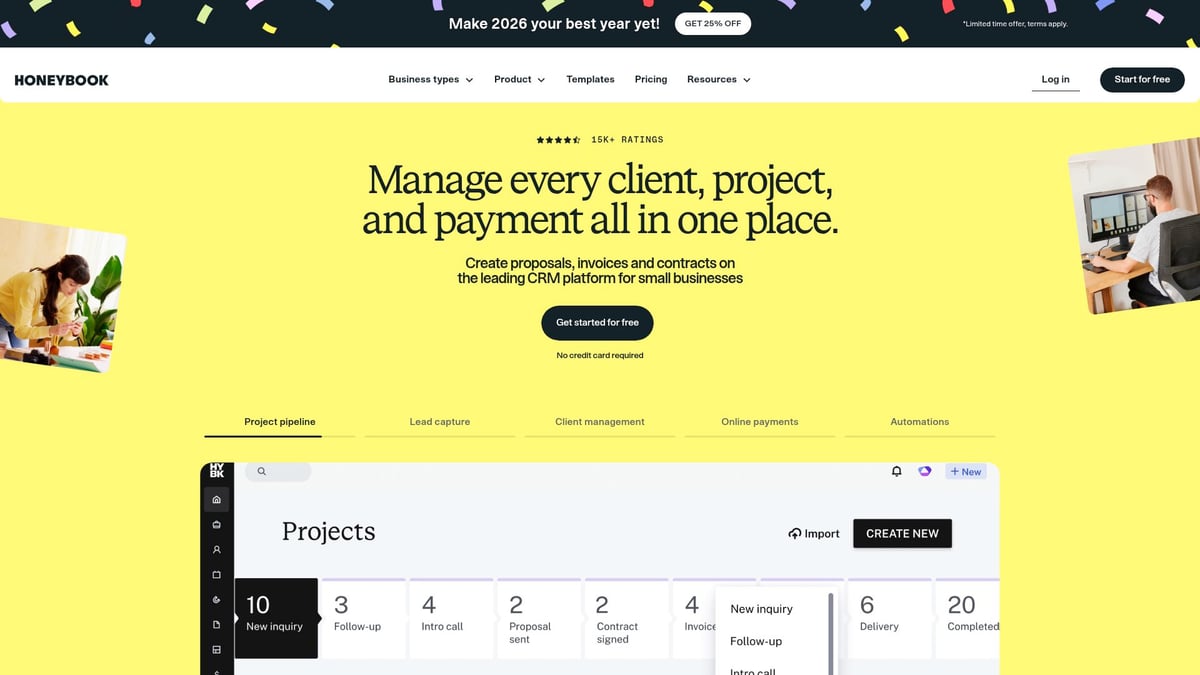
HoneyBook is tailored for creative professionals and consultants, making it a standout among apps for side gigs focused on client relationships.
Benefits:
- Smooth client onboarding
- Automated workflows
- E-signature collection
Ideal For:
- Service-based businesses
- Event planners
- Creative consultants
Pros:
- Beautiful client interface
- Workflow automation
- Easy contract management
Cons:
- Higher price point for beginners
- Limited to service-based businesses
Example:
Users report booking cycles are 50% faster with HoneyBook, showing its impact for those using apps for side gigs.
Canva
🎨 Pricing: Free, Pro $12.99/mo
🖼️ Features: Graphic design, templates, social media content creation
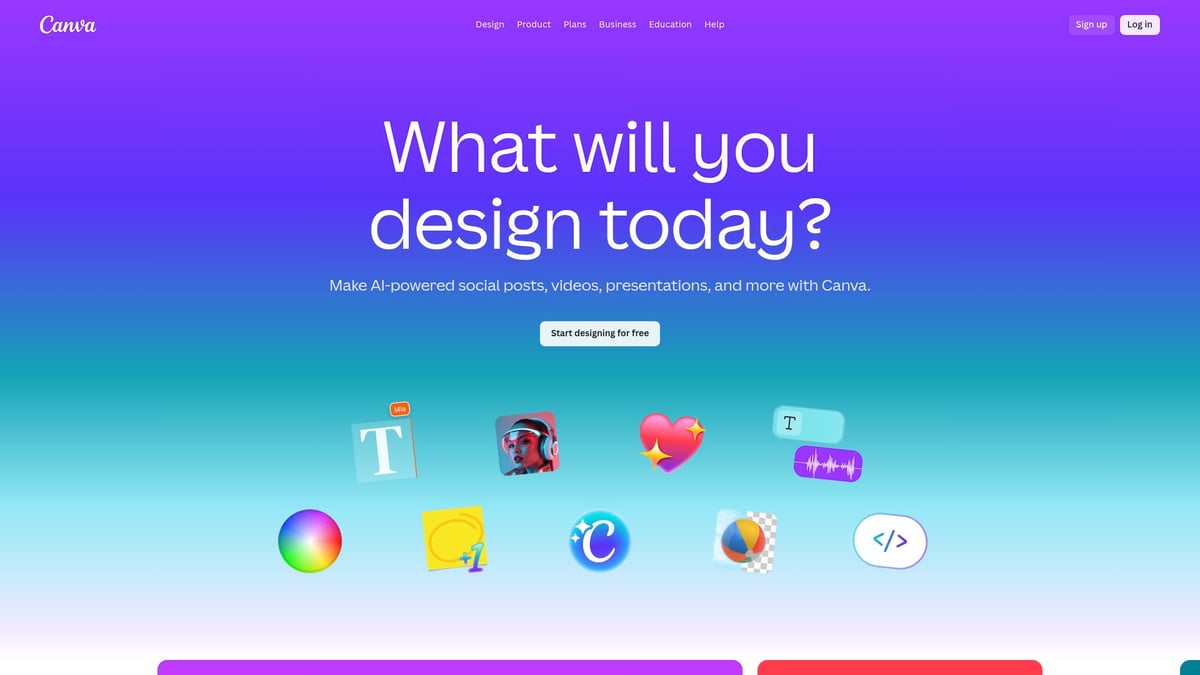
Canva empowers non-designers to create professional visuals, a vital asset among apps for side gigs that require branding or marketing materials.
Benefits:
- Drag-and-drop editor for easy design
- Massive template library
- Supports team collaboration
Target Audience:
- Social media managers
- Content creators
- Marketers
Pros:
- User-friendly interface
- Wide range of assets
- Real-time collaboration
Cons:
- Some features behind paywall
- Limited advanced design capabilities
Example:
With over 135 million users worldwide, Canva is often the first choice for design among apps for side gigs.
DoorDash Driver
🚗 Pricing: Free to join, DoorDash takes commission per delivery
⏰ Features: On-demand delivery, flexible scheduling, instant pay options
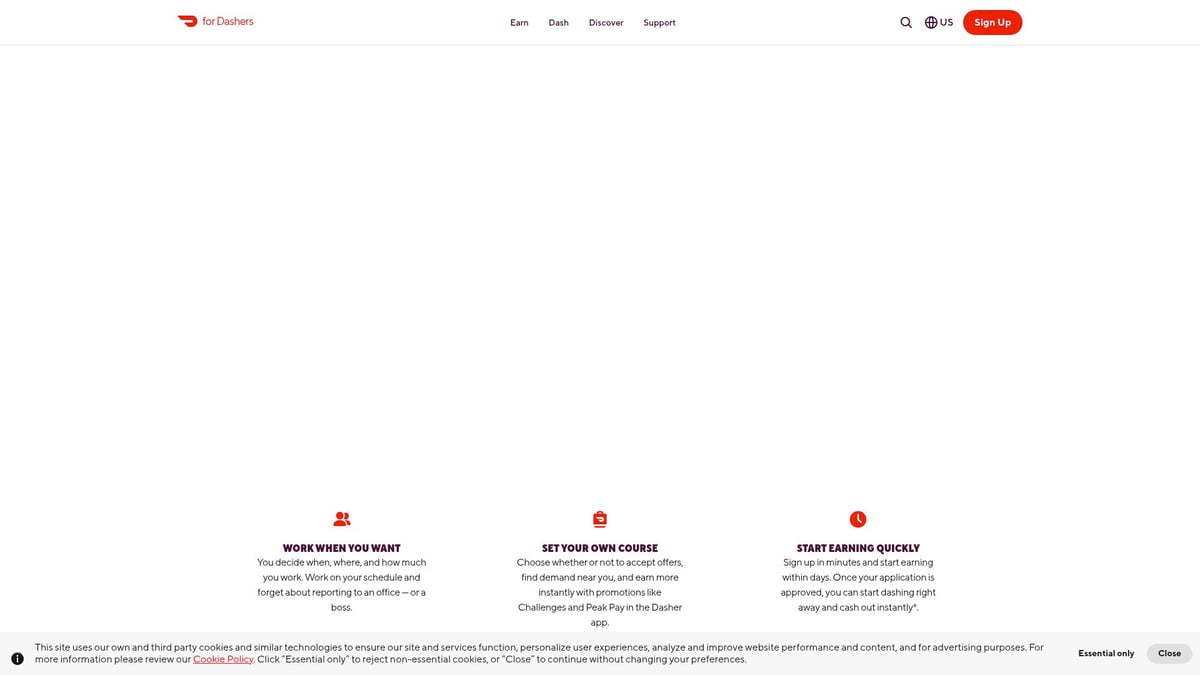
DoorDash Driver offers a flexible way to earn on your own terms. It is a staple in the lineup of apps for side gigs, especially for those looking for local, on-demand work.
Benefits:
- High demand in urban areas
- Fast payouts with instant pay
- In-app navigation for efficiency
Ideal For:
- Anyone with a car, bike, or scooter
- Those seeking flexible, local gigs
Pros:
- Flexible scheduling
- Quick cash out
- Simple onboarding
Cons:
- Earnings vary by location and time
- Potential vehicle wear and tear
Example:
Over 2 million Dashers in the U.S. rely on DoorDash Driver, making it one of the fastest-growing apps for side gigs.
Comparison Table: 9 Essential Apps for Side Gigs
| App | Category | Key Feature | Pricing | Best For |
|---|---|---|---|---|
| Fiverr Workspace | Admin/Productivity | All-in-one suite | Free/$24/mo | Freelancers, gig workers |
| Steady | Gig Discovery | Curated gigs, tracking | Free/$4.99/mo | Beginners, part-timers |
| Notion | Productivity | Custom workspace | Free/$8+/mo | Multi-project hustlers |
| QuickBooks SE | Finance | Expense/tax tracking | $15/mo | Solopreneurs, drivers |
| Slack | Communication | Messaging, integrations | Free/$7.25+ | Teams, collaborators |
| Upwork | Marketplace | Global gig platform | Free/10% fee | Freelancers, consultants |
| HoneyBook | Client Mgmt | Onboarding, automation | $19/mo | Creatives, consultants |
| Canva | Design | Visual content creation | Free/$12.99+ | Marketers, creators |
| DoorDash Driver | Delivery | On-demand work | Free/commission | Flexible gig seekers |
With these apps for side gigs, you are equipped to streamline your workflow, find new opportunities, and increase your income with less stress.
How to Choose the Best Apps for Your Side Hustle Goals
Selecting the right apps for side gigs can make the difference between thriving and feeling overwhelmed. With so many choices in 2026, it’s vital to approach your selection strategically. Below, discover a step-by-step guide to help you build a tech stack tailored for your unique side hustle needs.
Identify Your Side Hustle Type
🔍 The first step in choosing apps for side gigs is knowing your specific gig type. Are you offering services, selling products, or participating in on-demand gig economy work?
- Service-based: Freelancing, consulting, coaching
- Product-based: Handmade goods, print-on-demand, dropshipping
- Gig economy: Rideshare, delivery, microtasks
Each model demands different tools. For example, service-based hustlers may need contract management and invoicing, while gig economy workers prioritize scheduling and quick payments.
Curious about platforms that actually pay? Check out this comprehensive list of Real Apps That Make Money to ensure you choose trustworthy solutions for your side gigs.
Prioritize Features That Fit Your Needs
⭐ Not all apps for side gigs are created equal. Prioritize must-have features based on your workflow:
- Gig discovery: Find new clients or tasks quickly
- Communication: Stay in touch with clients or collaborators
- Financial tracking: Monitor income, manage expenses, prep for taxes
- Productivity: Organize tasks, manage projects, set reminders
If maximizing productivity is crucial, explore the Best To-Do List Apps of 2026 for top-rated tools that help side hustlers stay on track.
Evaluate Integration, Reviews, and Security
🛡️ Seamless integration is essential for efficient workflows. Choose apps for side gigs that work well together, avoiding siloed data and manual work.
- Integration: Can it sync with your calendar, payment platforms, or other tools?
- User reviews: What do other side hustlers say? Look for consistent feedback on reliability and support.
- Security & privacy: Protect sensitive info with apps that offer robust security measures.
A quick scan of ratings and privacy policies can save you from headaches down the road.
Test, Compare, and Build Your Tech Stack
🧑💻 Most apps for side gigs offer free trials or demo versions. Use these to test usability, check if features suit your workflow, and evaluate the return on investment.
Case Study:
Sarah, a freelance designer, built her stack with Notion for project management, QuickBooks Self-Employed for finances, and Slack for client communication. By leveraging integrations, she reduced admin time by 30 percent and increased her monthly earnings.
Quick Comparison Table
| App Name | Category | Pricing | Best For |
|---|---|---|---|
| Fiverr Workspace | Admin Suite | Free/$24/mo | Freelancers, gig workers |
| Steady | Gig Discovery | Free/$4.99/mo | Beginners, part-time earners |
| Notion | Productivity | Free/$8+/mo | Multi-project organizers |
| QuickBooks Self-Employed | Finance | $15/mo | Solo gig workers |
| Slack | Communication | Free/$7.25+/mo | Teams, remote hustlers |
| Upwork | Marketplace | 10% fee | Digital service experts |
| HoneyBook | CRM/Admin | $19/mo | Creatives, consultants |
| Canva | Design | Free/$12.99/mo | Content creators |
| DoorDash Driver | Gig Economy | Free (commission) | Local delivery drivers |
Final Thoughts
Thoughtfully choosing apps for side gigs means considering your goals, workflow, and budget. Test options, read reviews, and build a toolkit that empowers you to work smarter, not harder. The right combination will set you up for long-term side hustle success.
Maximizing Your Side Gig Earnings With Smart App Integration
The gig economy is evolving rapidly, and integrating the right apps for side gigs is the game-changer you need in 2026. As digital platforms multiply, seamless app integration helps you save time, reduce errors, and unlock new earning opportunities. According to Gig Economy Market Growth Projections, this sector is expanding fast, making smart tech adoption essential for every side hustler.
Effortless Workflow Integration 🚀
Combining multiple apps for side gigs can transform chaos into clarity. For example, syncing Notion for project tracking with QuickBooks Self-Employed for expense management and Upwork for client sourcing creates a unified command center. Use built-in integrations or tools like Zapier to automate data transfer, calendar updates, and notifications, eliminating repetitive manual entry.
Table: Top App Integration Pairs
| Integration Pair | Benefit |
|---|---|
| Notion + QuickBooks | Project + finance tracking |
| Upwork + Slack | Client comms + fast responses |
| Canva + Fiverr Workspace | Design + contract management |
| Steady + QuickBooks | Gig discovery + income tracking |
| HoneyBook + Google Calendar | Scheduling + workflow |
By connecting these apps for side gigs, you streamline admin, reduce missed deadlines, and keep everything at your fingertips.
Automation and Analytics for Higher Earnings 🤖
Automation is your secret weapon for scaling side gigs. Set up workflows to auto-send invoices, update client records, or schedule social posts using built-in tools or third-party services. This approach frees up hours each week, allowing you to focus on high-value tasks.
Leverage analytics dashboards in your apps for side gigs to spot top-performing gigs and seasonal trends. For instance, one freelancer used automated invoicing and expense tracking to increase monthly income by 30 percent, all while reducing stress.
Pro Tip: For those seeking instant payouts, explore 10 Gig Apps That Pay Fast to further boost your side gig cash flow.
Video:

“Top 5 Automations for Side Hustlers in 2026”
5 Must-Have Integrations:
- Notion + Google Calendar for scheduling
- QuickBooks + Bank account for instant expense sync
- Slack + Upwork for project alerts
- HoneyBook + Gmail for automated onboarding
- Canva + Dropbox for design storage
Protecting Your Data and Wellbeing 🛡️
With more apps for side gigs in play, data security and personal wellbeing must be priorities. Always use strong, unique passwords and enable two-factor authentication on every platform. Regularly review app permissions and privacy settings to safeguard client and financial data.
To maintain balance, set boundaries by scheduling “offline” hours and using notification controls. Remember, integrating apps for side gigs is about working smarter, not longer.
By thoughtfully connecting your favorite platforms, you can maximize efficiency, earnings, and peace of mind in the fast-paced world of side gigs.
As you’ve seen, the right apps can transform the way you manage your side gigs—saving you time, helping you stay organized, and ultimately boosting your earnings in 2026. Whether you’re just exploring your first freelance project or looking to streamline your existing workflow, these essential tools can make a real difference. If you’re ready to put these strategies into action and connect with others on the same journey, I encourage you to Start Your First Hustle and unlock your full potential with the Side Hustle Hackers community.


